


If your company’s RSUs are held with E-Trade, you can easily transfer proceeds from vested shares to your Paasa global investment account. This allows you to diversify beyond your employer stock and invest across US, UK, and UCITS ETFs — directly from your RSU earnings.
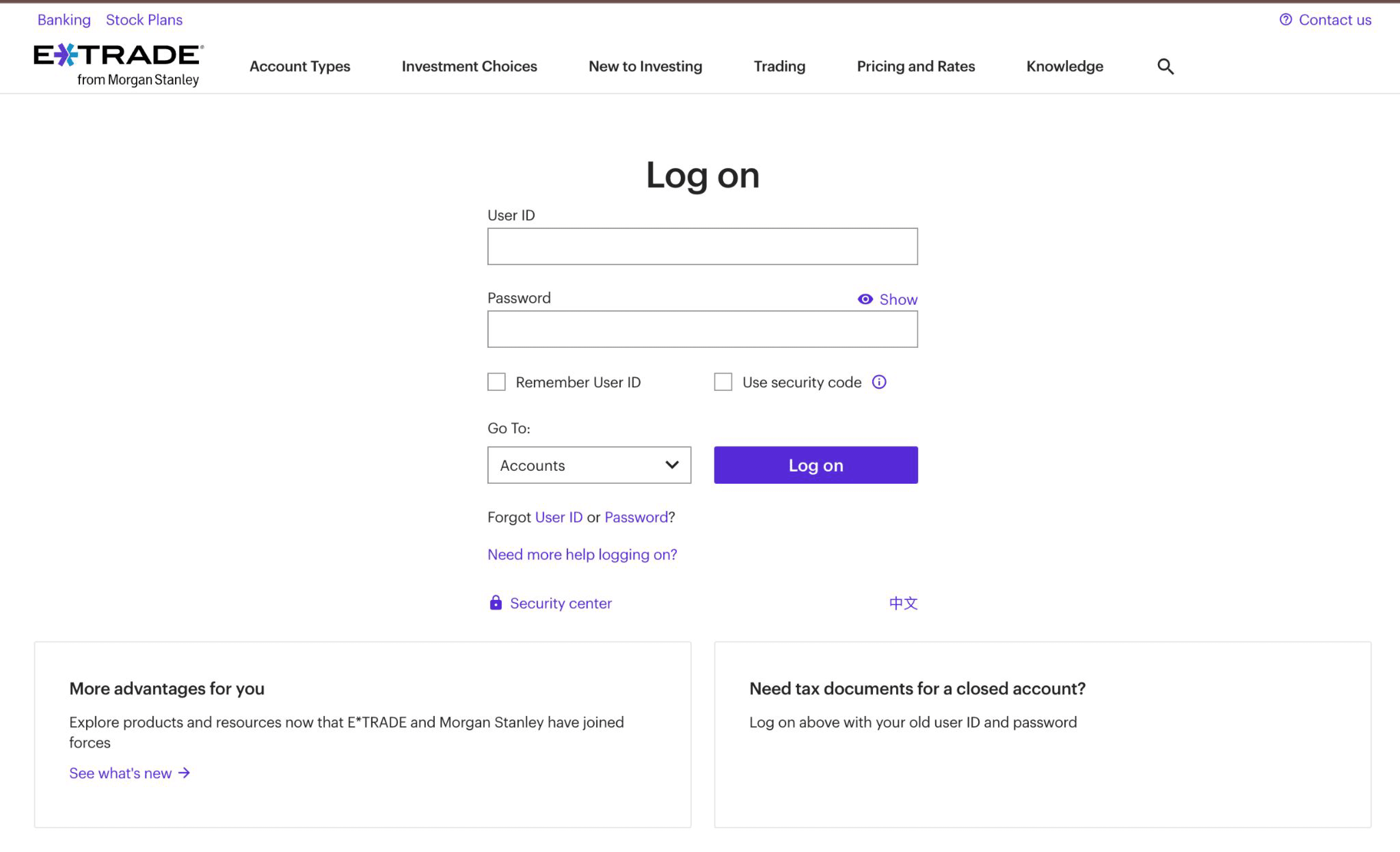
Step 1: Log in to E-Trade
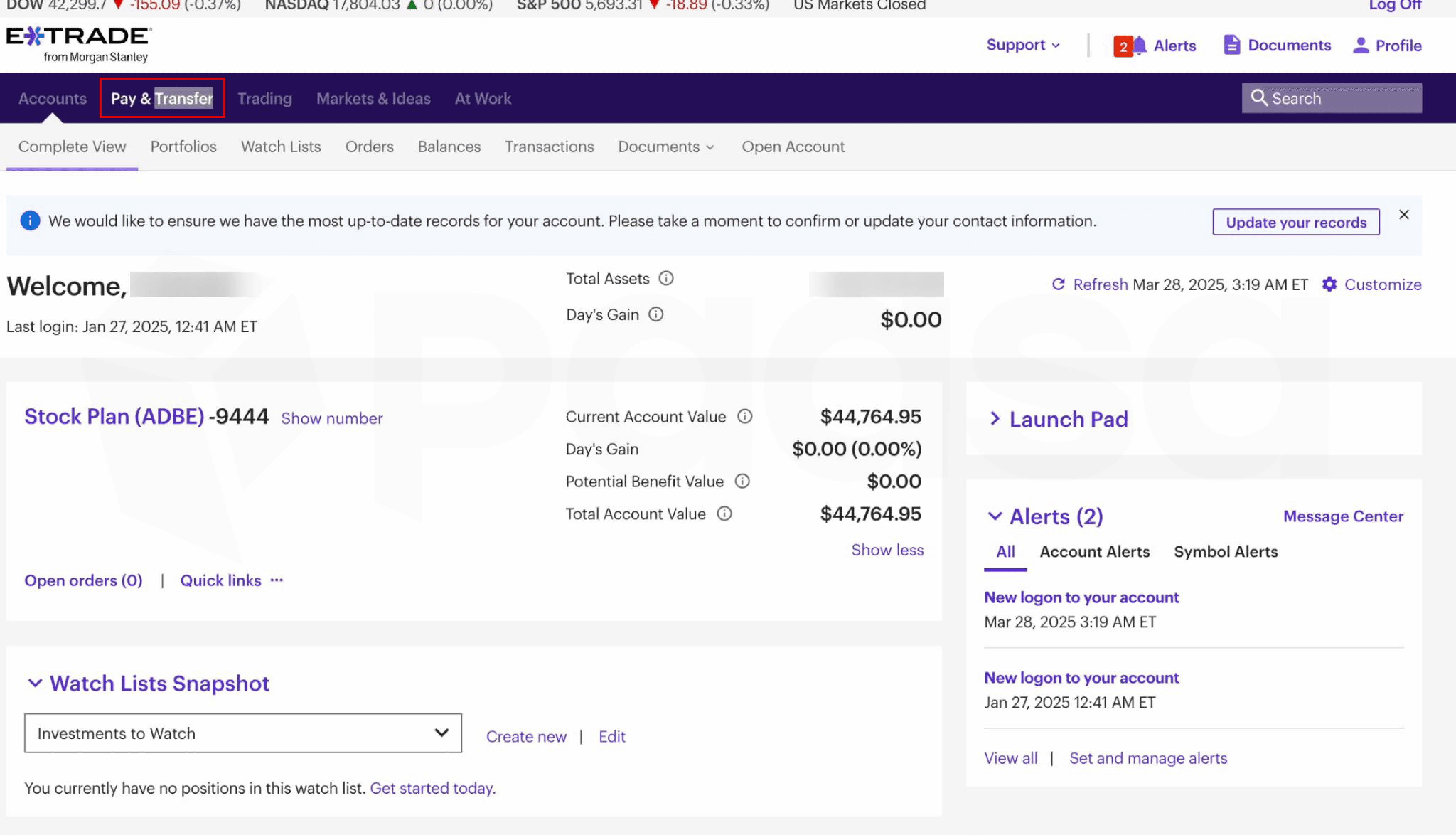
Step 2: Click on Pay & Transfer
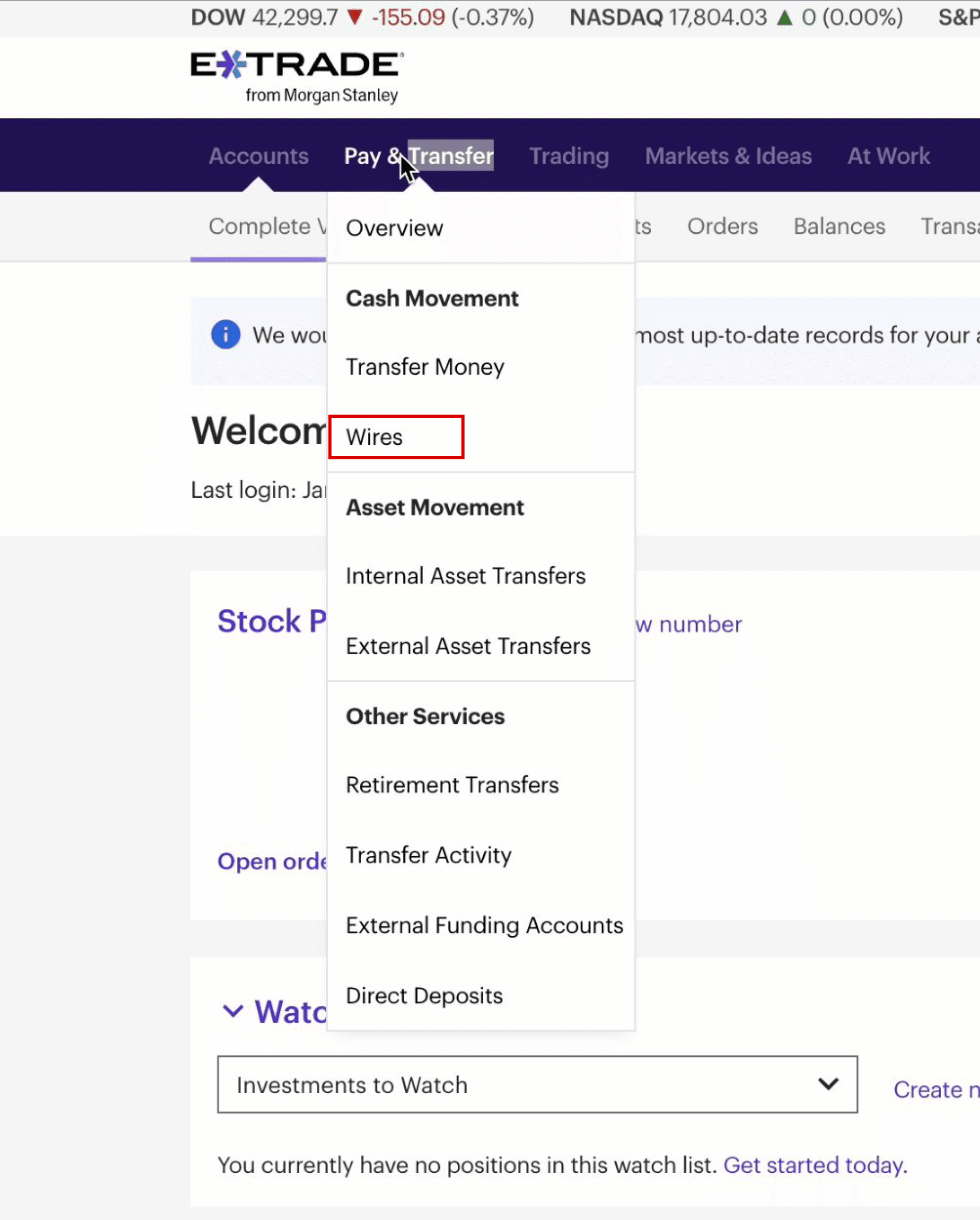
Step 3: Select 'Wires' from the menu
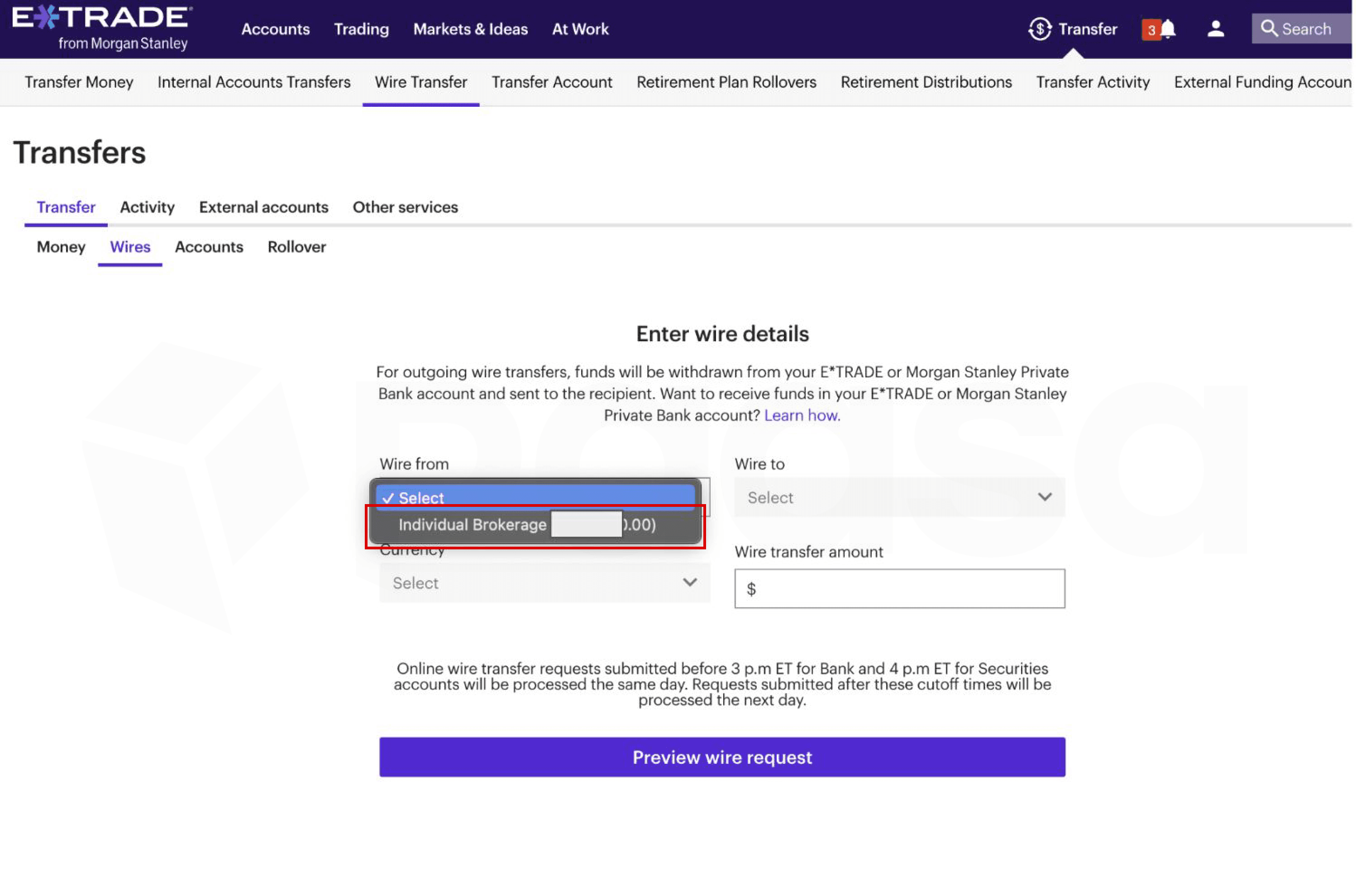
Step 4: Select Individual brokerage in the 'From' dropdown
Step 5: Add wire recipient
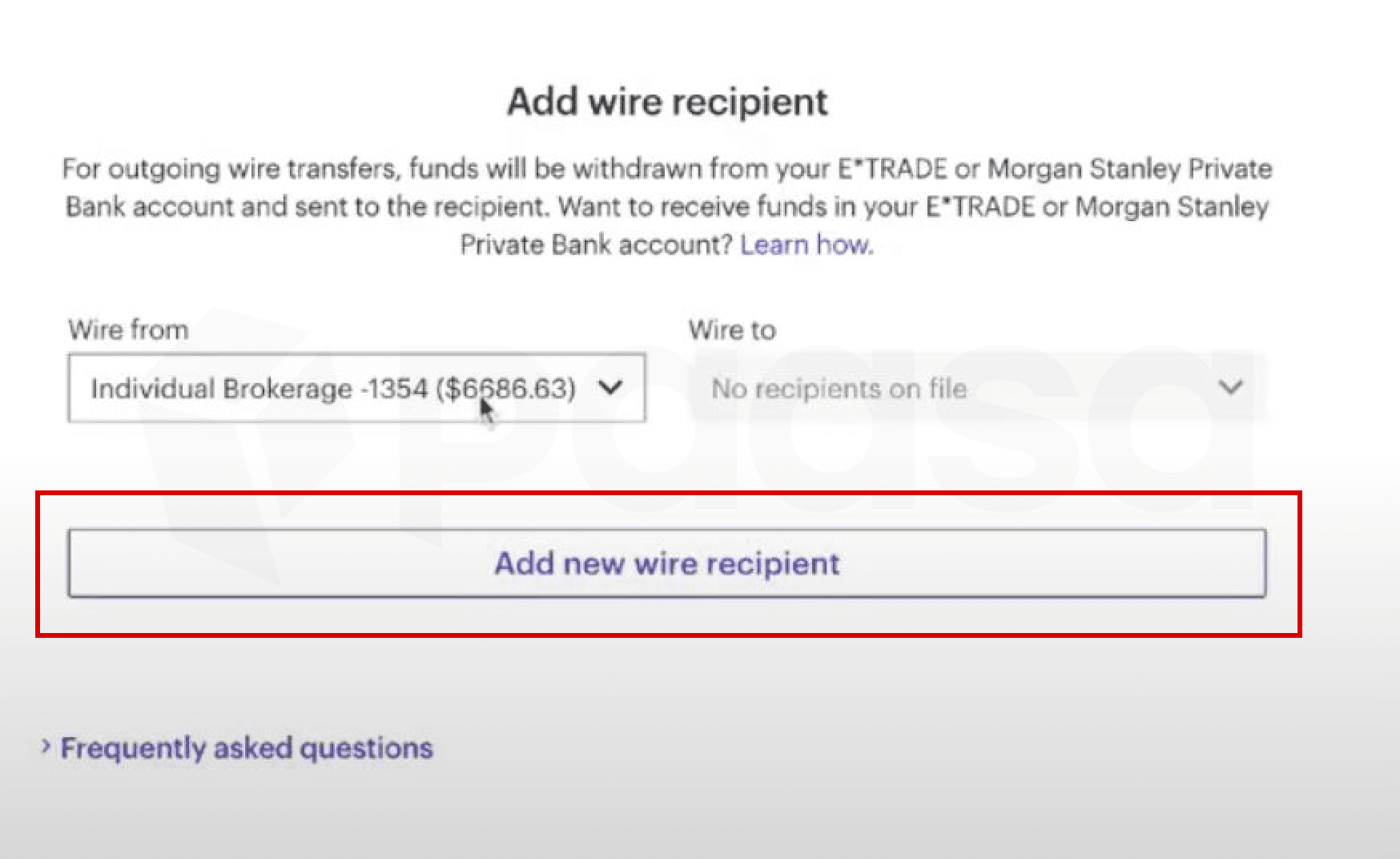
Step 6: Verify identity
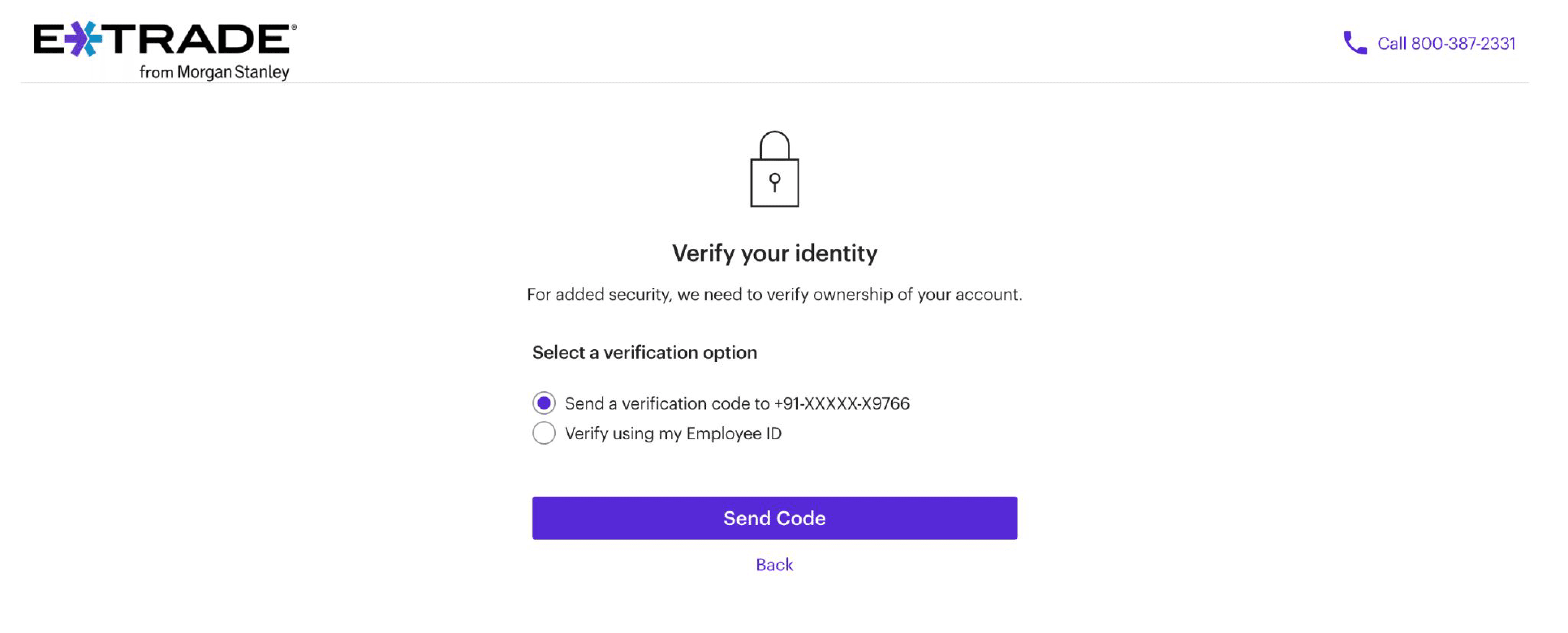
Step 7: Select Domestic
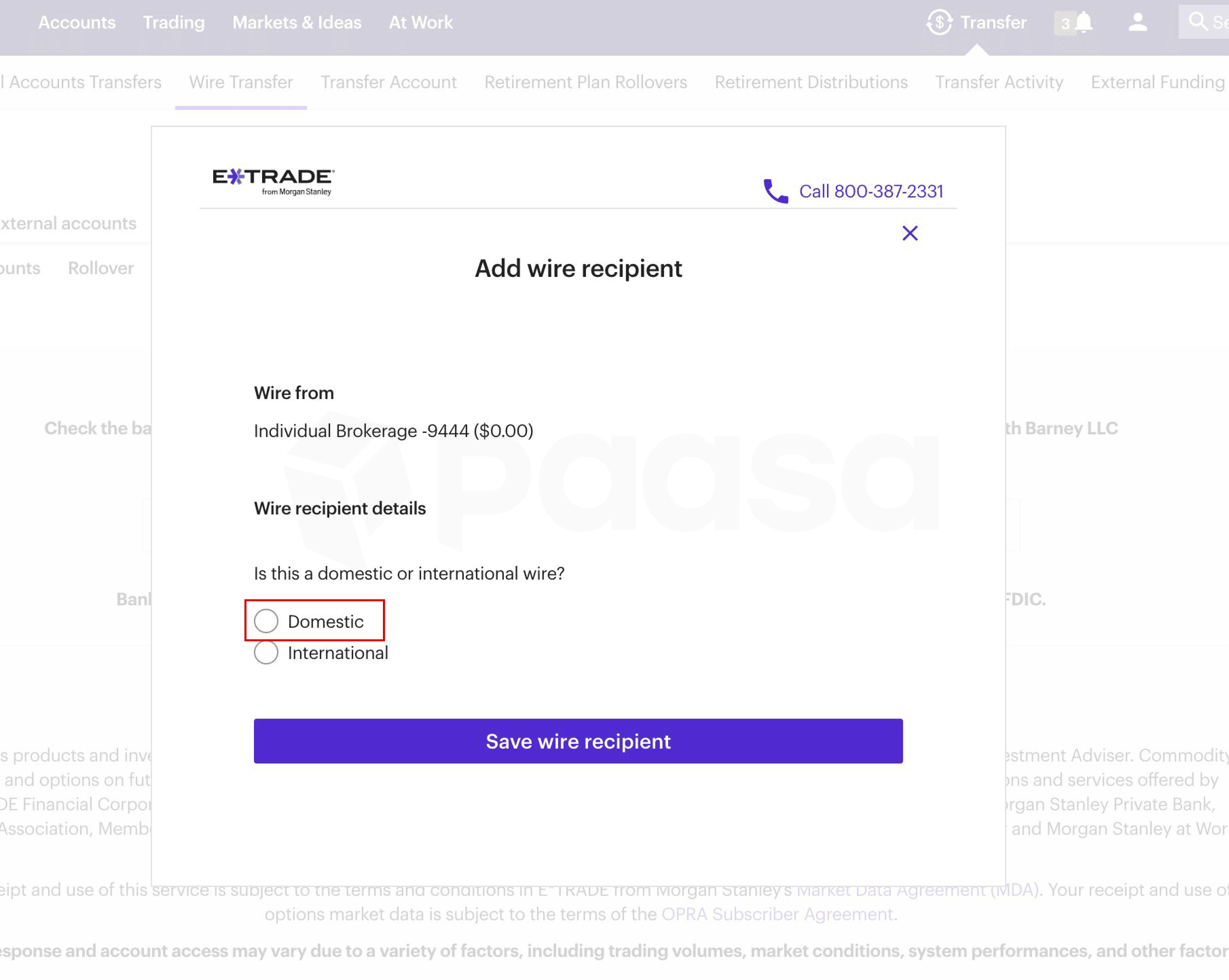
Step 8: Enter details as shown
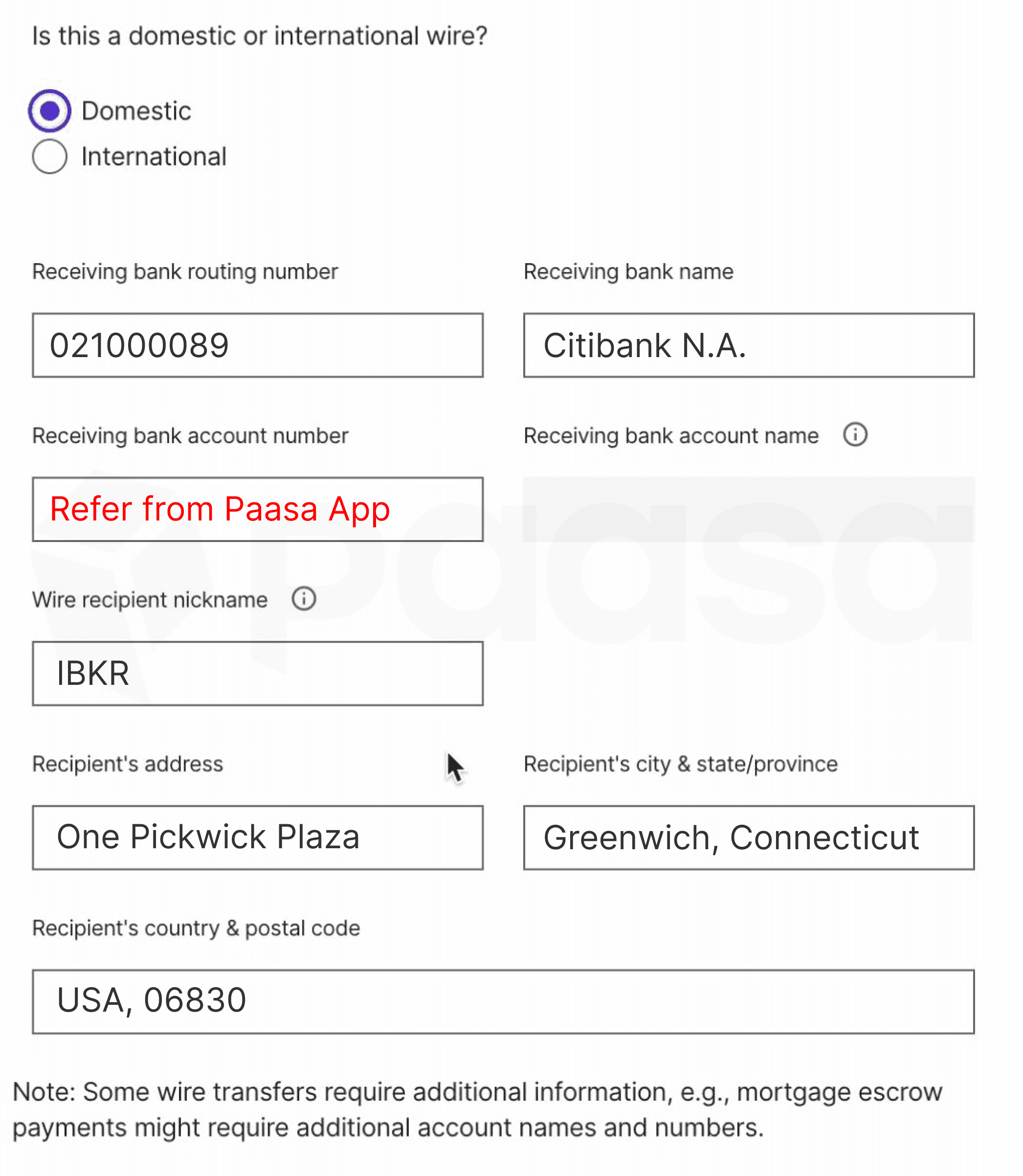
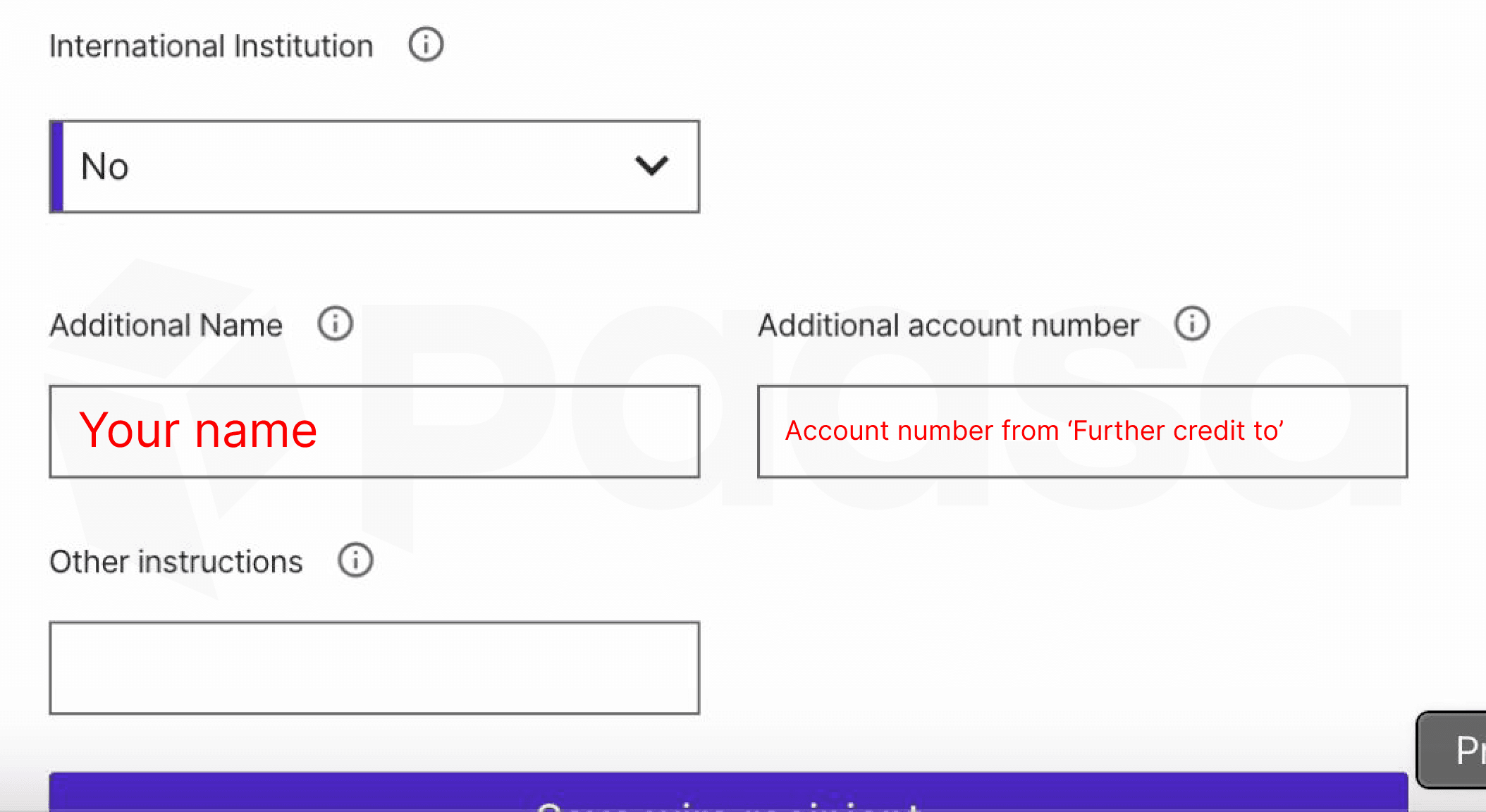
Step 9: Add additional name and account number
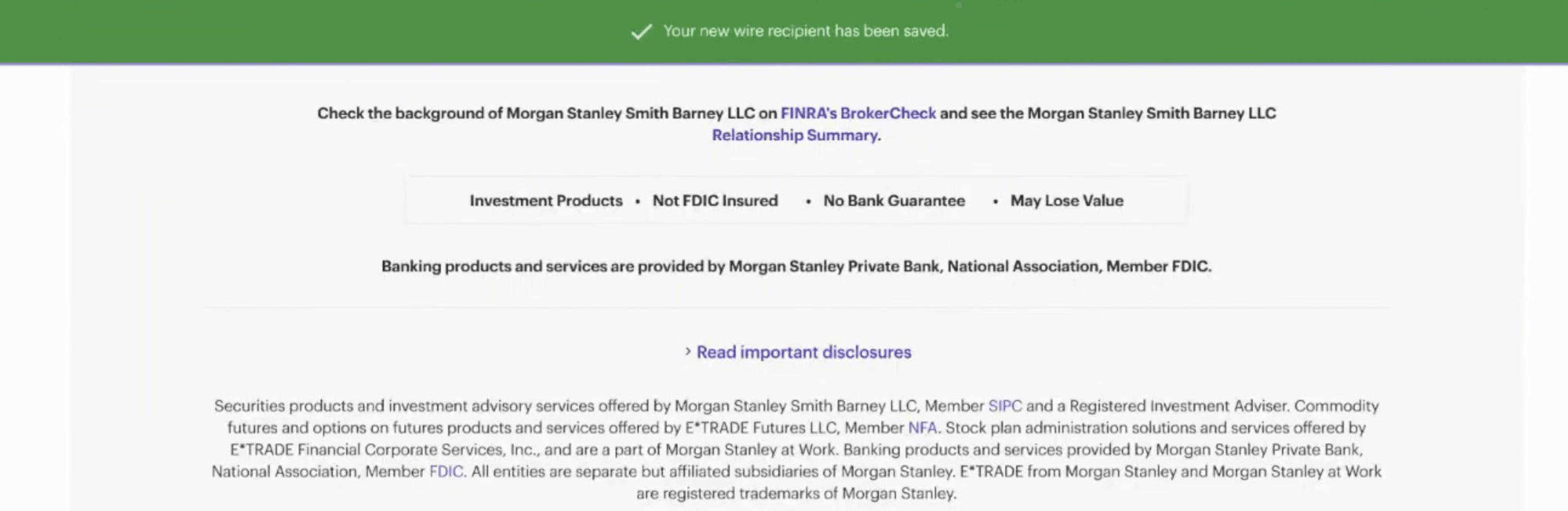
Step 10: New wire details are saved
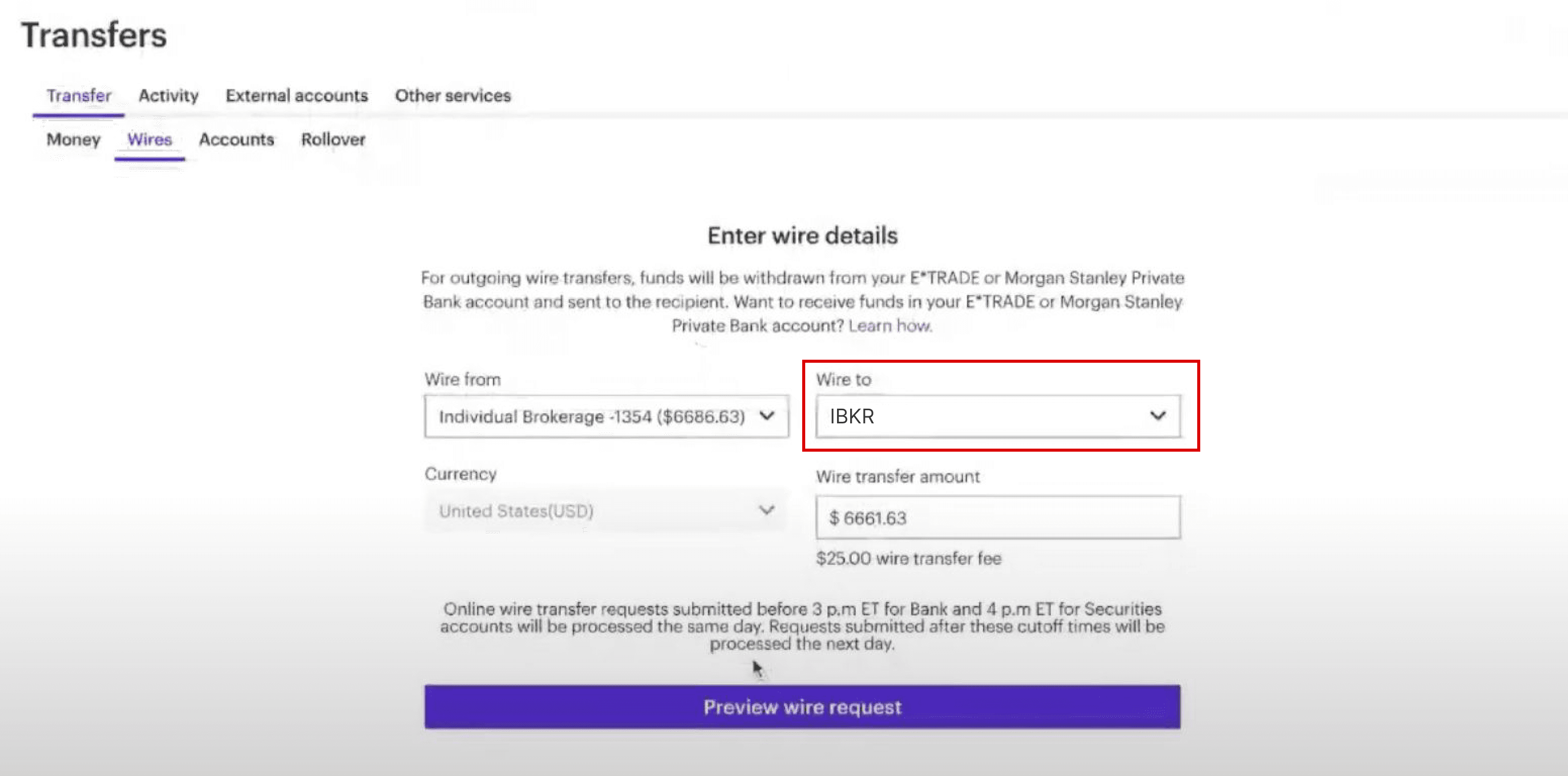
Step 11: Select the newly saved wire details in the 'Wires' tab and enter amount you want to transfer
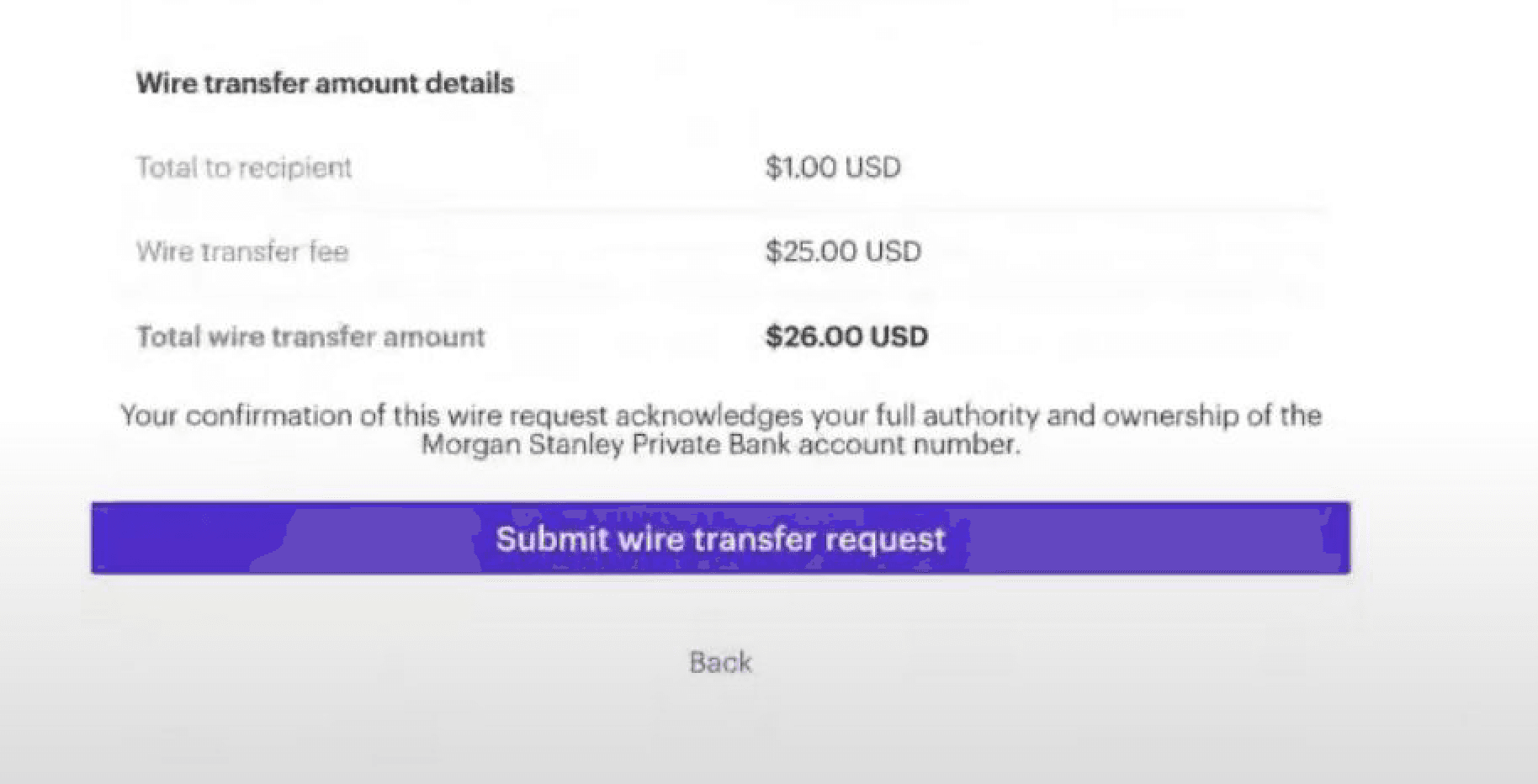
Step 12: Review transfer
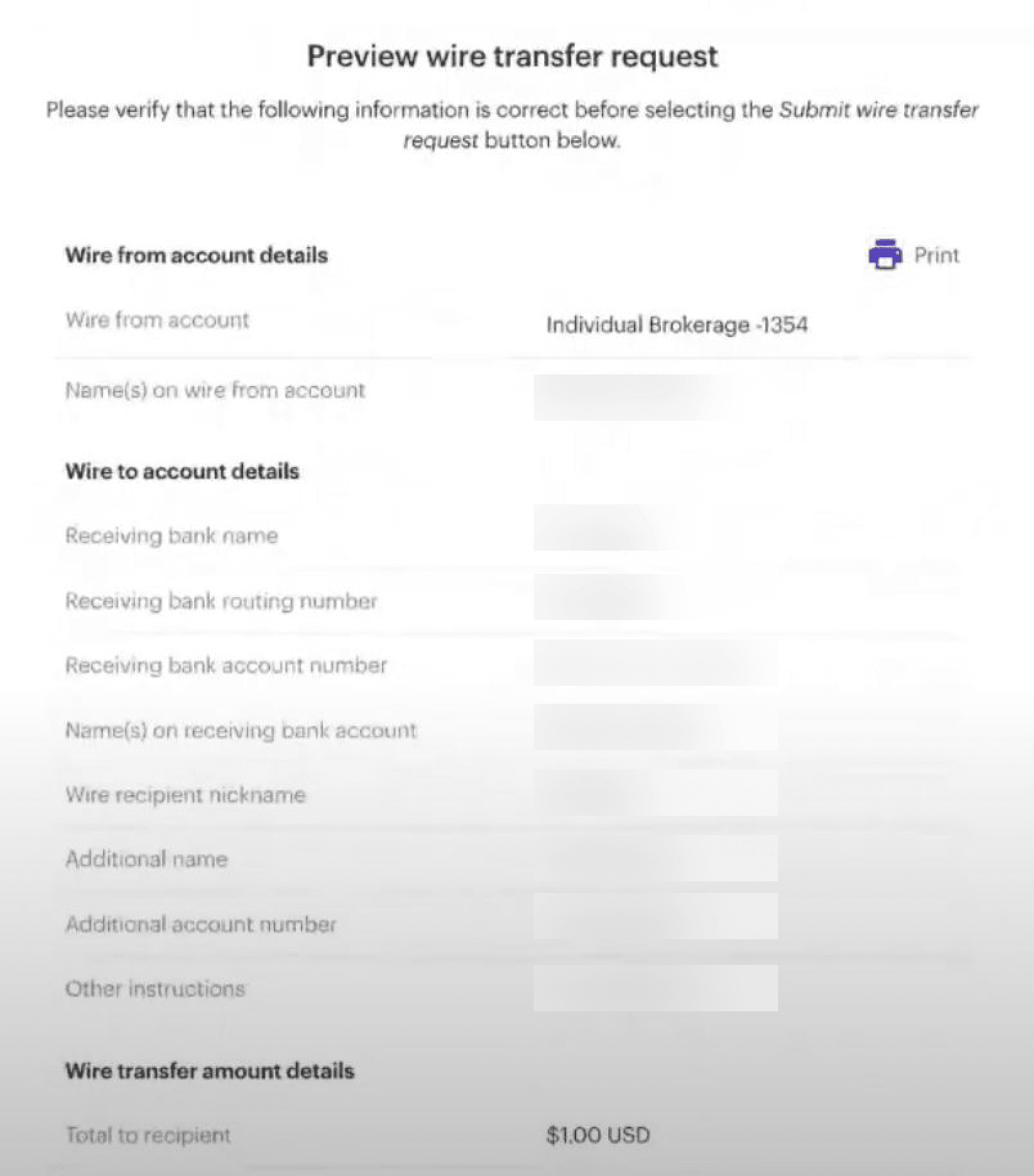
Step 13: Confirm transfer
Wire transfers typically take 2–3 business days to reach your Paasa-linked Interactive Brokers account. Once received, funds will automatically appear in your Paasa app and you will be alerted.
Need Assistance?
If you’d like our team to walk you through your E-Trade dashboard before initiating the transfer or have any questions around tax or FEMA compliance, reach out at support@paasa.com or directly message your Paasa advisor.

